
Big props to you, our high-flying friend, for dropping your checkride report! Your feathered comrades are stoked, as it’s like a treasure map for nailing our own upcoming rides.
Once you hit submit, poof—your report zips straight to the airline you picked on the checkride submission form, filed neat and tidy like a perfectly packed flight bag.
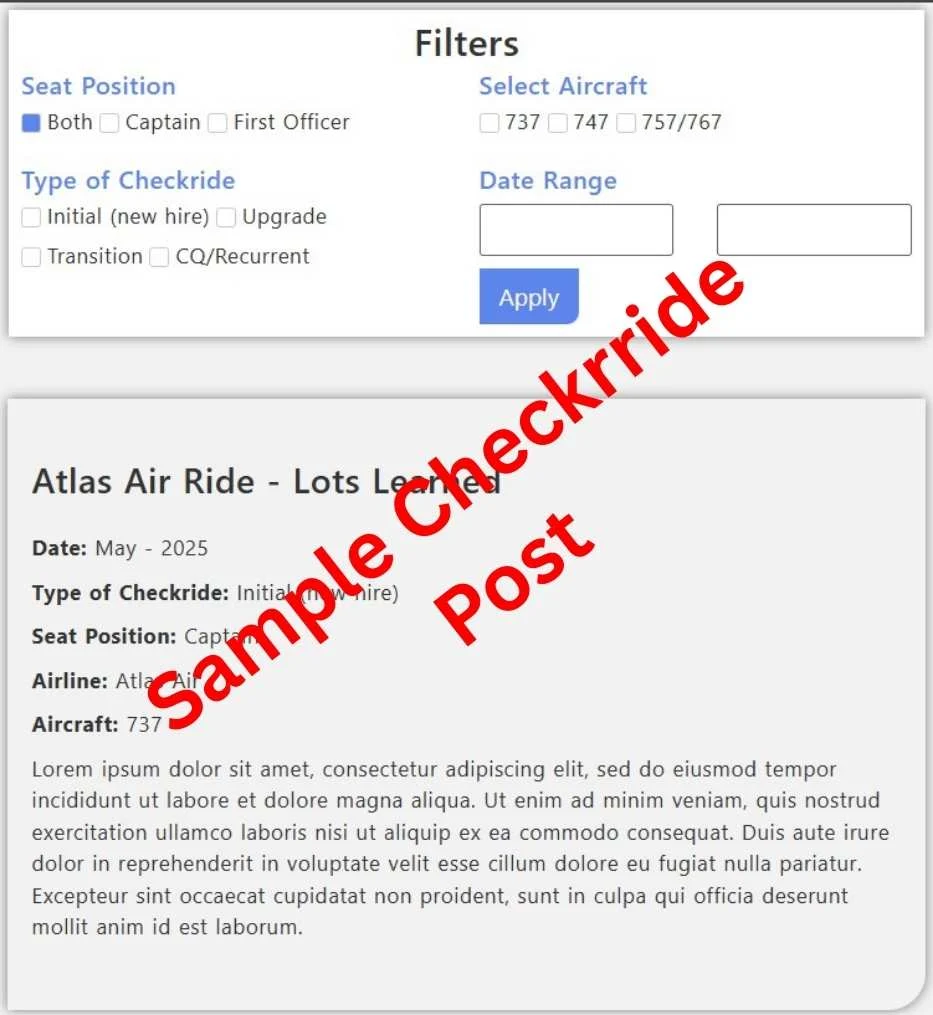
Front and center, you’ll see the deets: aircraft type, seat position, checkride type, and date. Pilots can sort this goldmine to zero in on the reports that match their upcoming checkride.
Checkride Date
When you’re filling out the form, it’ll ask for the ride date—month, day, and year. We get it, nobody wants to spill the exact day like it’s a flight log for the FAA. The website’s a bit old-school and needs all three.
But here’s the cool part: when it goes live, only the month and year show up. Check the example below for the lowdown.
Worried about picking a day? Just throw in a random one like you’re picking a karaoke song—it’s all good! Only the month and year make the final cut.
The more pilots who toss their ride reports into the mix, the more epic our sorting powers get. It’s like upgrading from a paper chart to a full-on EFB—helping us all zoom in on what to study and soar through prep like aces!
Example submission:
What are you waiting for?
Head on over and complete the checkride report! If you haven’t had a ride yet but know someone who has, be sure to share this website! May the force be with you.